Fabric Review 2026: AI Workspace with Real Memory Tested
This Fabric review comes from a genuinely annoying recurring problem: our team kept re-explaining client context to AI assistants every single session — the same brand voice notes, the same project history, over and over. I started testing Fabric specifically to see if its memory feature actually solved that, or if it was just another workspace app with an AI chatbot bolted on.
What Is Fabric? (Fabric Review: Core Features)
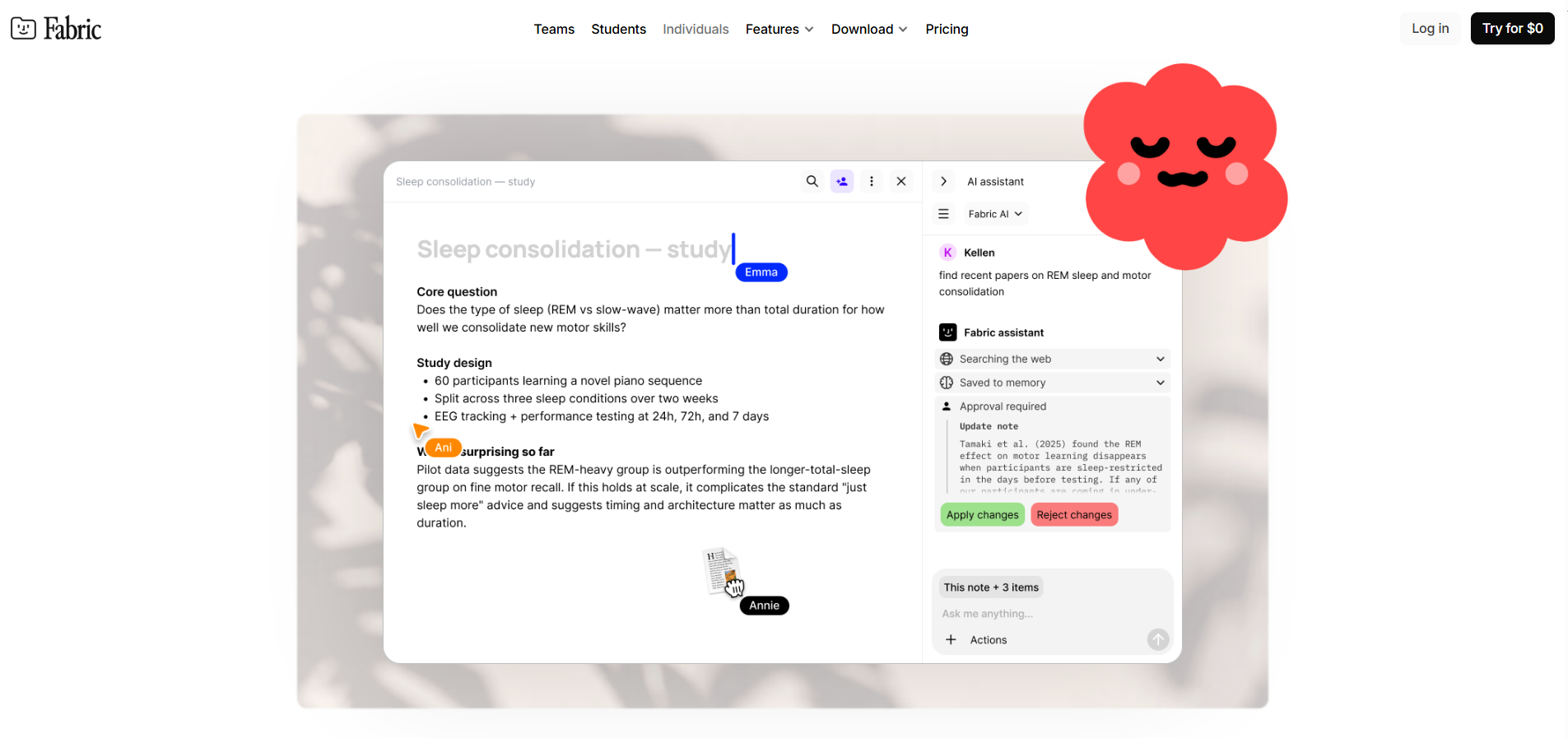
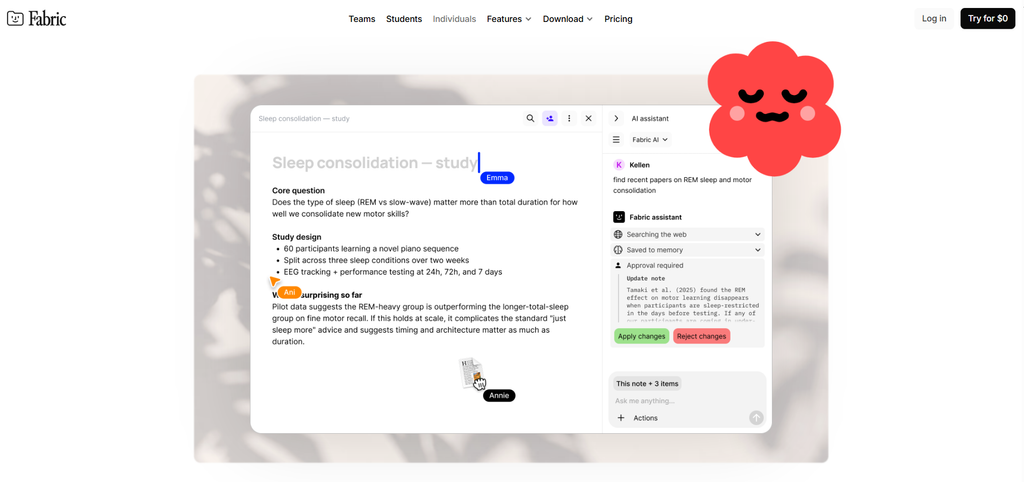
Fabric is a unified workspace that lets you search across your notes, files, and content with AI, built around an assistant that actually retains context between sessions rather than starting fresh every time. The memory piece is the part that made me want to test it seriously — the Assistant creates memories when you ask it to, or automatically when you say something likely to matter later, and you can tell it to forget things that turn out not to be useful.
What we actually used it for:
- Persistent AI memory — once we told it our main client’s brand voice guidelines and a few recurring project details, it kept referencing them accurately in later sessions without us re-pasting anything
- Unified search — pulls across notes, files, and other content in one search instead of hunting through separate apps
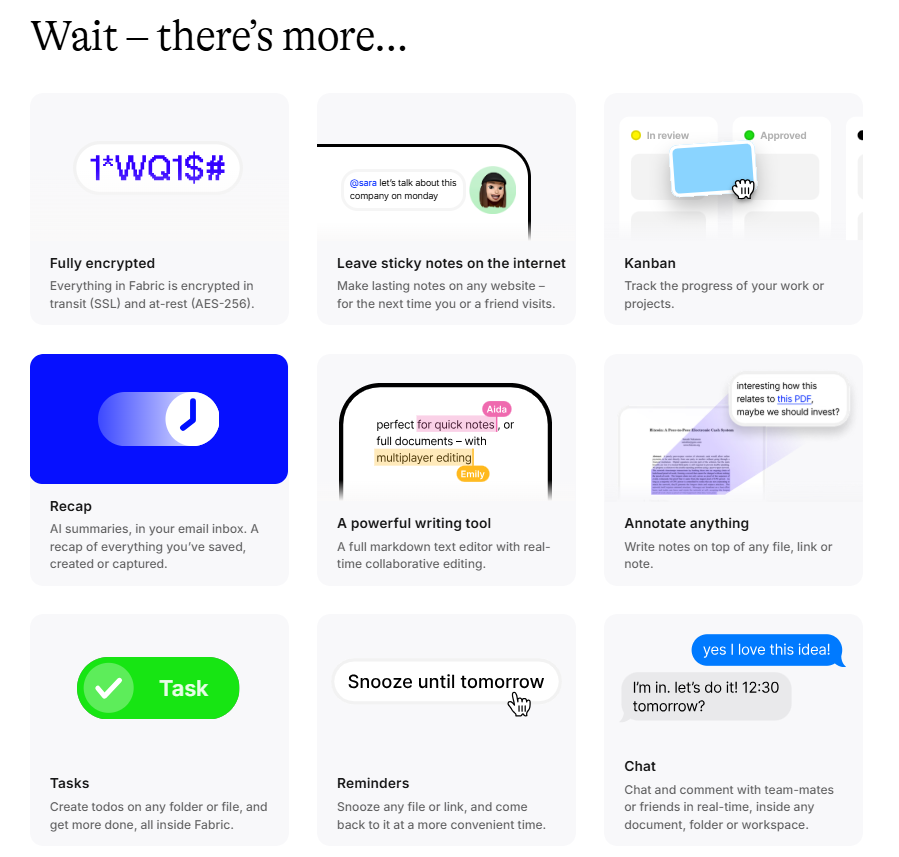
- Manual context control — you can right-click any item and add it to the Assistant’s context, or select multiple items progressively, which gave us more control than just hoping the AI remembered the right thing
- Forgettable memories — if the AI latches onto something irrelevant, you can explicitly tell it to forget, which mattered once when it kept referencing an old project detail that was no longer accurate
How It Works (Step by Step)
Our actual setup process:
- Add core client context — brand voice notes, key project facts — either by talking to the Assistant directly or right-clicking items to add them to context
- Let the Assistant build memory over time — as we kept working, it picked up on recurring details without us flagging every single one
- Search across everything when we needed to find a specific note or file, rather than remembering which app it lived in
- Correct the memory when needed — telling it to forget an outdated detail took one sentence, no digging through settings
Pricing
| Plan | Price | Notes |
|---|---|---|
| Free | $0 | Core features, limited scale |
| Pro | $12/mo | Full memory and search features |
| Enterprise | Custom | Contact sales |
Free tier was enough to test whether the memory actually worked before we committed anything. Once we confirmed it held onto client context reliably, moving to Pro at $12/month was an easy call given what we were spending in wasted time re-explaining context every session.
Does the Memory Actually Work? (Fabric Review: The Real Test)
This was the whole point of testing it, and the honest answer: mostly yes. Over about a month of regular use, Fabric correctly recalled client-specific details across sessions without us re-pasting them — genuinely saved time on repetitive setup. Where it wasn’t perfect: it occasionally held onto a minor detail longer than useful, which is exactly why the “forget” command matters as much as the memory itself. Third-party comparisons we found put Fabric ahead of note-taking-focused competitors like Mem specifically on review sentiment (4.5/5 vs 3.0/5 in one comparison we checked), though Mem is positioned more narrowly around notes than Fabric’s broader workspace-plus-memory approach.
Who Should Use Fabric (and Who Shouldn’t)
Good fit for:
- Teams or agencies repeatedly re-explaining the same context to AI tools across sessions — this was exactly our problem
- Anyone wanting unified search across scattered notes and files instead of juggling separate apps
- Users who want manual control over what the AI remembers, not just a black-box memory system
Probably not the best fit for:
- Teams needing enterprise-grade agent memory infrastructure (embedding-based retrieval at scale, API-first) — dedicated memory infrastructure tools like Mem0 are built more for that developer use case
- Anyone just wanting simple note-taking without the AI memory layer — a lighter tool may be more than enough
Pros and Cons
Pros:
- Memory genuinely reduced repetitive context-setting in our actual daily use, not just a demo feature
- Manual context control (right-click to add, explicit forget) gave more confidence than a fully automatic black box
- Free tier let us validate the core value before paying
- Strong review sentiment (4.5/5) compared to at least one direct competitor we checked
Cons:
- Occasionally retained a detail longer than useful, requiring an explicit “forget” correction
- Not built for developer-level memory infrastructure needs (embedding retrieval APIs) — that’s a different category of tool entirely
- Enterprise pricing isn’t public, requires a sales conversation
FAQ
Does Fabric’s memory actually persist across sessions? Yes, based on our month of testing — it correctly recalled client context in later sessions without us re-explaining it, with occasional need to manually correct an outdated memory.
Is Fabric free to use? There’s a free tier covering core features; Pro at $12/month unlocks the full memory and search feature set.
How is Fabric different from note-taking apps like Mem? Fabric leans more into unified workspace search plus persistent AI memory, while Mem is more narrowly focused on AI-organized notes — different core use case even though they get compared.
Can I control what Fabric’s AI remembers? Yes — you can explicitly add items to context or tell the Assistant to forget something that’s no longer useful, rather than relying purely on automatic memory.
Verdict: Final Word on This Fabric Review
For teams tired of re-explaining the same context to AI tools every session, Fabric’s memory feature delivered on the specific problem we tested it for — genuinely persistent, correctable context across sessions, not just a marketing claim. The free tier makes it low-risk to validate before paying, and Pro’s $12/month price is easy to justify against the time we were losing before.
Looking for other AI and SaaS tools to compare? Browse more reviews at getstackpick.com.