WriteHuman Review 2026: Does It Really Beat AI Detectors?
This WriteHuman review comes out of a real problem we ran into at my agency about a year ago: our writers were leaning on AI more for first drafts, and client-side editors started running everything through GPTZero before approving it. A couple of pieces got flagged and bounced back, which cost us a day of rework we didn’t have. WriteHuman became part of our pipeline soon after, and I’ve had my team using it consistently since — roughly 30-40 pieces a month go through it before the human edit pass.
What Is WriteHuman? (WriteHuman Review: Core Features)
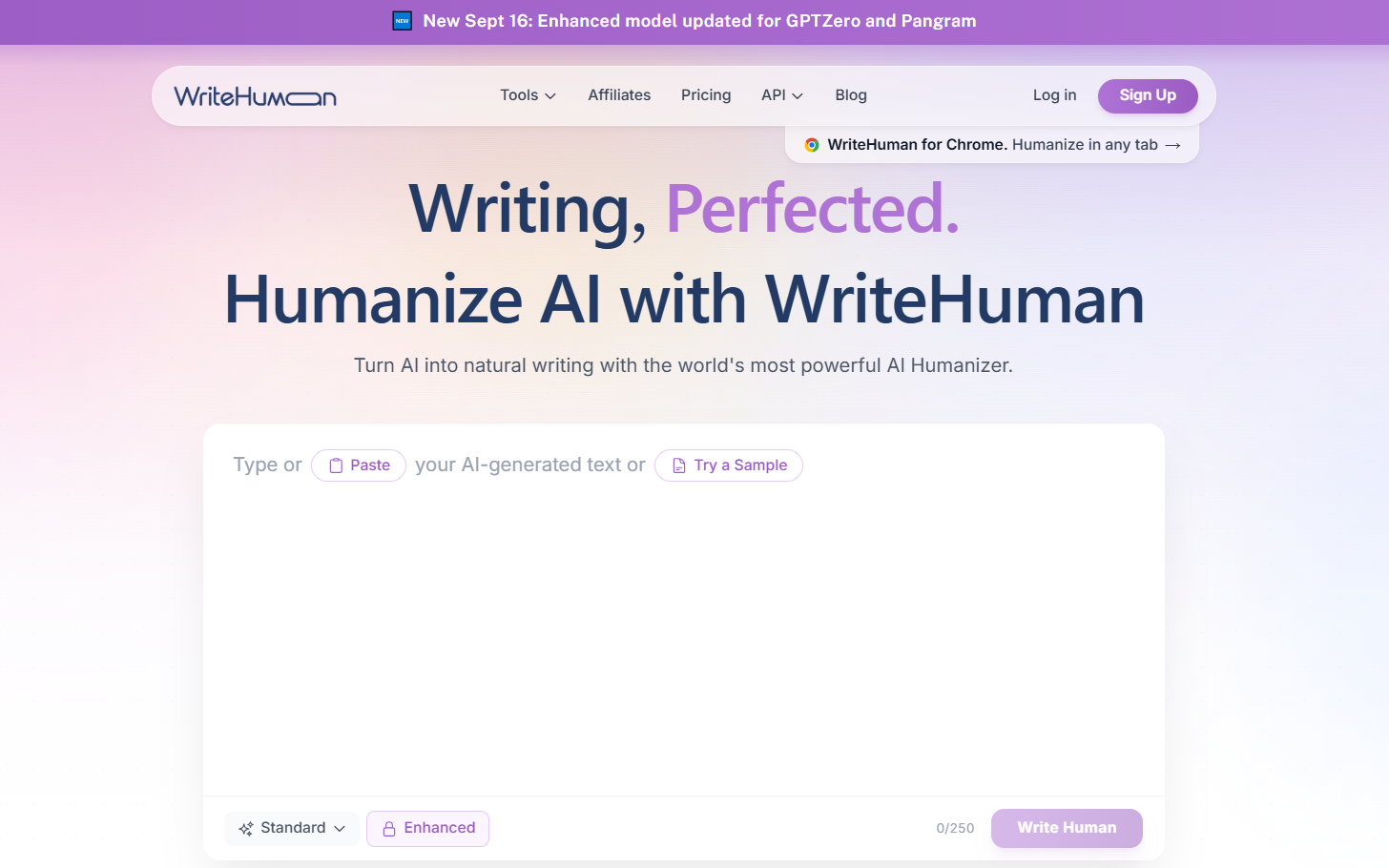
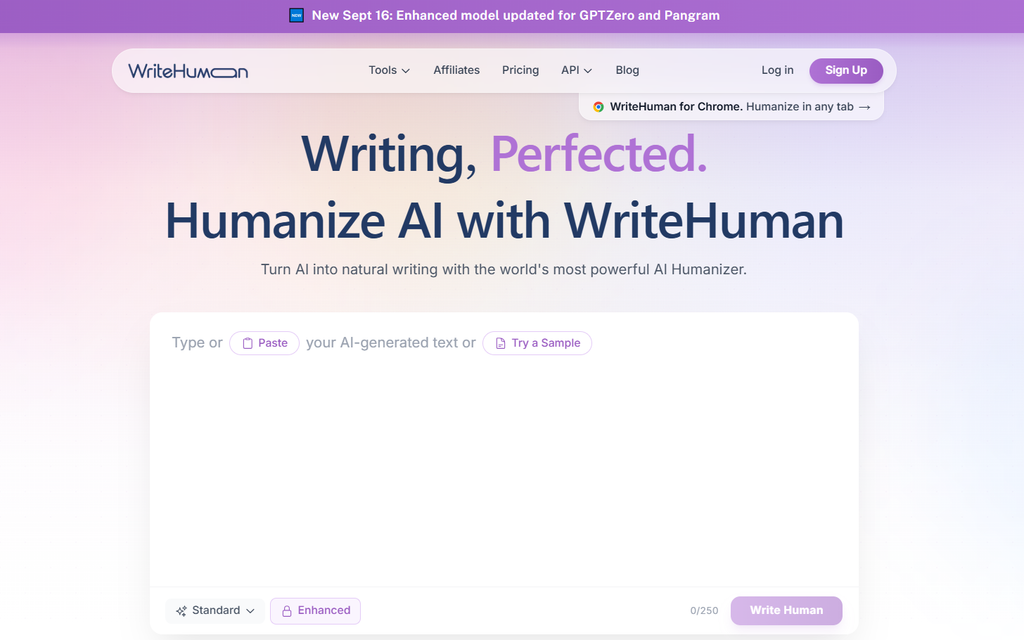
WriteHuman takes AI-generated text and restructures it — varying sentence rhythm, adjusting word choice, and breaking up the predictable patterns that detectors are trained to spot — while trying to preserve the original meaning and tone. It supports over 40 languages and works with output from any AI writing tool, not just one model.
What I actually rely on day to day:
- Built-in AI detector — I don’t have to tab over to GPTZero for a first check; WriteHuman shows its own detector score right in the same window, which saves my team a step on every single piece
- Up to 5 output variations per request on the Ultra plan — I usually get my editors to skim all 5 and pick whichever reads closest to how we’d naturally write, rather than accepting the first rewrite blind
- Image AI detector — an add-on I didn’t expect to use much but has come in handy twice when a client asked whether a graphic in a deck looked AI-generated
- Word-based REST API — we haven’t wired this into our CMS yet, but it’s on my list for this quarter since copy-pasting 30+ pieces a month by hand is the main bottleneck right now
How It Works (Step by Step)
This is the exact workflow I trained my content team on:
- Copy the AI-generated draft — from ChatGPT, Claude, or whatever the writer used
- Paste it into WriteHuman — we bracket brand names and technical terms so those don’t get rewritten
- Pick a mode/tone — we default to a “professional” tone for client blog work, more casual for social captions
- Run the humanizer — the enhanced model, since the free-tier basic model isn’t something we use for anything client-facing
- Check the built-in detector score — anything scoring above roughly 30% AI-likelihood goes back for a second pass
- Export and hand off to editing — WriteHuman is step one of QA, not the last step; a human editor still reads everything before it ships
Pricing
| Plan | Starting Price | Notes |
|---|---|---|
| Free | $0 | 3 humanizer requests/month, 250 words/request, basic model only |
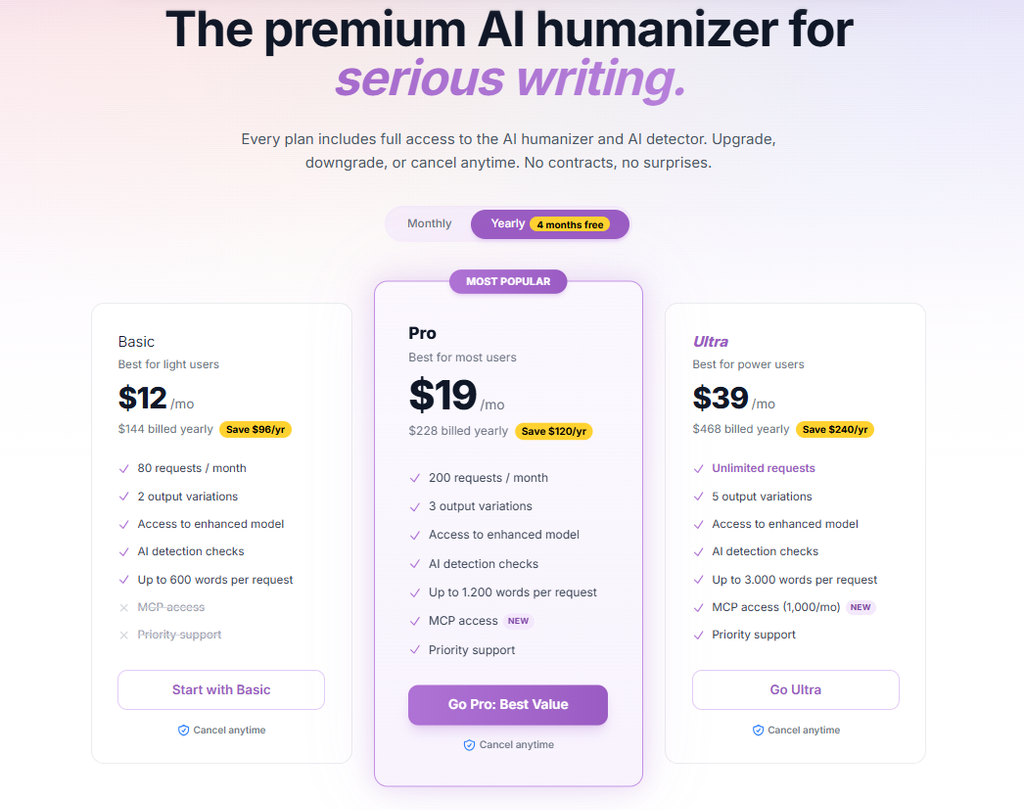
| Basic | From $12/mo (annual) | Higher word limits, enhanced model |
| Pro | Mid-tier | More requests, higher word caps |
| Ultra | Top tier | Up to 5 output variations per run, highest word caps, API access |
Annual billing saves up to $240/year compared to paying monthly — a factor any WriteHuman review needs to flag, since it meaningfully changes the real cost if you’re using it regularly. We’re on the Ultra plan given our volume, and honestly the multiple-variation output is the single feature that’s justified the upgrade for us — editors move faster picking between 5 options than manually fixing one.
The API pricing is separate and word-based: the Standard API tier includes 125,000 words/month with a 2,000-word-per-request cap, while Premium steps up to 400,000 words/month and 4,000 words per request.
Does It Actually Work? (Real Test Results)
This is the question that matters most, and the honest answer from what I’ve watched happen across dozens of pieces a month: it depends heavily on which detector you’re testing against.
Against GPTZero and ZeroGPT specifically, WriteHuman’s output holds up well for shorter-to-medium content — independent testing has found scores dropping to around 22% on GPTZero and 18% on ZeroGPT after processing, which lines up with roughly what my team sees on blog-length pieces. Against stricter platforms, it’s a different story: the same testing found scores of 42% on Originality.ai and 28% on Turnitin — both would still get flagged at most institutions or by a strict client-side checker.
In practice, I’ve stopped treating WriteHuman as a guarantee. It’s a strong first pass that cuts editing time meaningfully, but nothing client-facing leaves our shop without a human read-through first.
Who Should Use WriteHuman (and Who Shouldn’t)
Good fit for:
- Agencies and content teams publishing AI-assisted blog or marketing copy at volume, where the goal is natural-sounding output, not passing a strict academic check
- Teams that want humanizing and detection-checking in the same dashboard instead of juggling two tools
- Anyone working across multiple languages (40+ supported)
- Managers who need something a team can be trained on quickly — the workflow is simple enough that new hires pick it up in one sitting
Probably not the best fit for:
- Students submitting work through Turnitin — reliability drops considerably there, and I wouldn’t rely on it for anything with real academic consequences
- Anyone processing very long documents in one pass — the per-request word cap means longer content has to be split up, which adds friction at scale
- Solo users with occasional, light needs — the free tier is limited, and cheaper competitors like NaturalRewrite may cover that use case for less
Pros and Cons
Pros:
- Combined humanizer + detector in one dashboard — genuinely saves my team a step on every piece
- Works with output from any AI model, not locked to one ecosystem
- Genuinely restructures sentence patterns rather than just swapping synonyms
- Supports 40+ languages
- Multiple output variations on higher tiers, which speeds up editing meaningfully
- Easy to train new team members on — low learning curve
Cons:
- Reliability drops significantly against stricter detectors (Turnitin, Originality.ai)
- Free tier is limited — 3 requests/month at 250 words each, using the weaker basic model
- Pricing sits on the higher end compared to some newer competitors
- 3,000-word cap per request adds friction for long-form content, especially at our volume
- No native CMS integration yet on our end, so it’s still a manual copy-paste step until we wire up the API
WriteHuman vs. the Alternatives
WriteHuman isn’t the cheapest humanizer on the market — competitors like NaturalRewrite start around $7/month with a bundled detection checker. What’s kept us on WriteHuman specifically is the combination of the built-in detector, the multiple-variation output, and the image-detection add-on, which few competitors offer at all.
For a direct look at how WriteHuman’s output performs specifically against the detector it’s most often tested against, see our full GPTZero vs. WriteHuman comparison.
FAQ
Is WriteHuman free to use? There’s a permanent free tier, but it’s limited — 3 requests per month at up to 250 words each, using a lower-quality model than the paid plans.
Does WriteHuman work on all AI detectors? No. It performs reasonably well against more lenient detectors like GPTZero and ZeroGPT for shorter text, but is inconsistent against stricter detectors like Turnitin and Originality.ai, especially on longer content — something we’ve confirmed running real client work through it.
Will WriteHuman change the meaning of my content? It’s designed to preserve meaning and tone while restructuring sentence patterns — but we always have a human editor review the output before publishing, since automated rewrites can occasionally shift nuance.
Is there an API? Yes — WriteHuman offers a word-based REST API with tiered plans (Standard: 125,000 words/month; Premium: 400,000 words/month). We haven’t integrated it yet, but it’s next on our roadmap to cut down manual copy-paste time.
Can WriteHuman process very long documents? Not in a single request — most plans cap requests at up to 3,000 words, so longer documents need to be split into sections. This is one of the more annoying limits at our volume.
Verdict: Final Word on This WriteHuman Review
After running WriteHuman across a real content pipeline for about a year, my take is straightforward: it’s a legitimate tool that’s saved my team real editing time, and the built-in detector genuinely earns its place in the workflow. It’s not a magic bypass button, though, and I wouldn’t stake anything academically or reputationally sensitive on it alone. Used the way we use it — as step one of QA, with a human editor still reading everything — it’s held up well.