GoHighLevel SaaS Mode Explained: What It Is, How It Works, and Whether It’s Worth It
Last updated: June 2026
GoHighLevel SaaS Mode gets described in a lot of different ways — passive income, agency revenue model, white-label software business.
I’ve been through the setup — domain configuration, white-label branding, sub-account provisioning — and spent time understanding where the real work actually lives. Here’s what the feature actually is, how the setup works in practice, and what most explanations leave out.
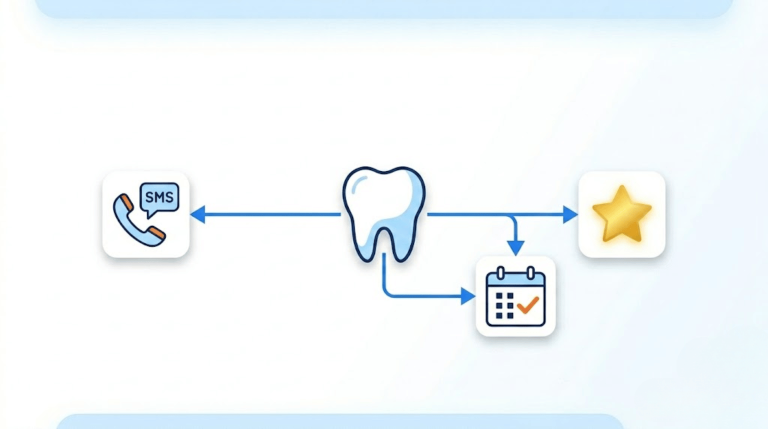
If you’re evaluating GoHighLevel for specific industries before deciding whether SaaS Mode makes sense for your agency, I’ve covered GoHighLevel for real estate agents, coaches, chiropractors, insurance agents, and dentists.
What GoHighLevel SaaS Mode actually is
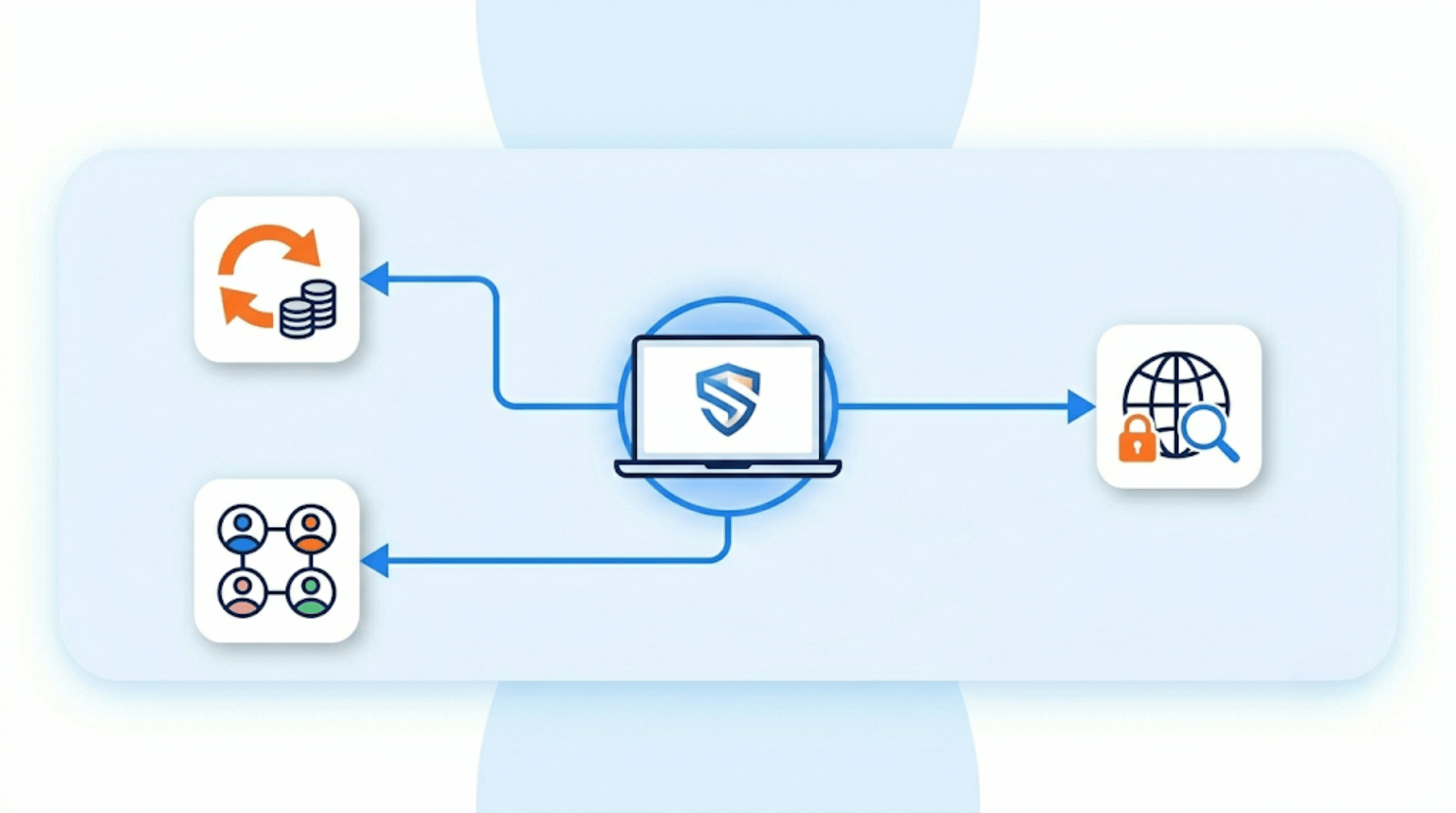
SaaS Mode is a feature available on GoHighLevel’s $497/month Agency Pro plan that lets you rebrand the entire GoHighLevel platform under your own name and sell access to it as a monthly subscription. Your clients log into your domain, see your logo, and pay you directly. GoHighLevel runs in the background — they never see it.
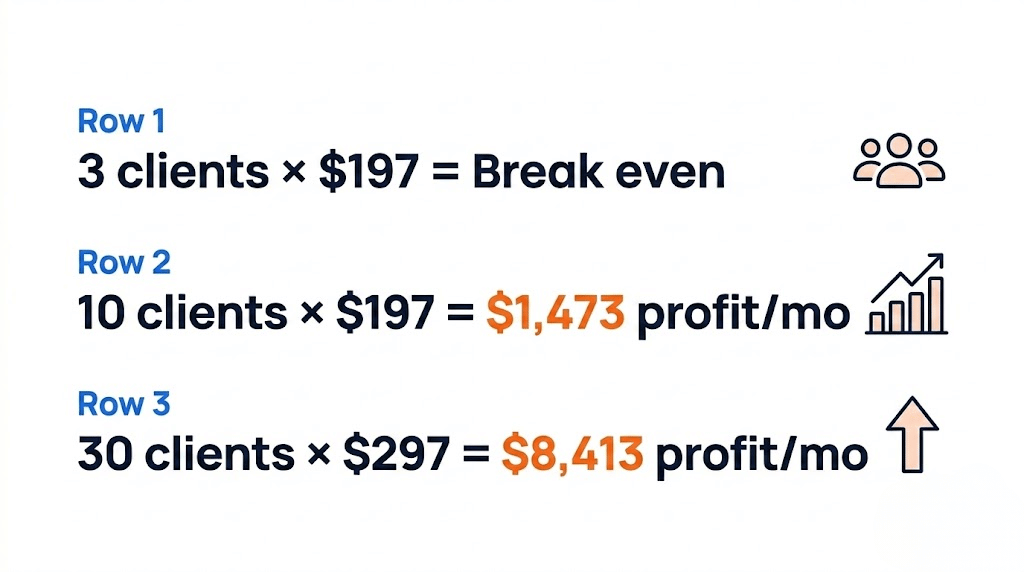
You’re not building software. You’re rebranding and packaging existing software, then setting your own pricing. The margin between what you pay GoHighLevel and what you charge clients is your revenue. At $497/month for the Agency Pro plan, you need roughly three clients at $197/month to break even — and it scales from there.
What changed in March 2026: GoHighLevel added three significant SaaS Mode updates — a white-label domain option that removes all GHL branding from client-facing URLs without custom DNS proxy setup, a per-sub-account usage dashboard showing contact counts, email volume, SMS segments, and call minutes, and a SaaS snapshot marketplace where agencies can publish and sell their own pre-configured templates to other GHL agencies.
What it’s actually like to set up
I went through the SaaS Mode setup from scratch. The parts that are straightforward: domain configuration and branding. Connecting a custom domain (so clients log in at something like app.yourbrand.com instead of anything GoHighLevel-related), uploading a logo, setting colors, and configuring the client-facing experience took less time than the documentation makes it sound. The branding layer is genuinely well-designed for customization.
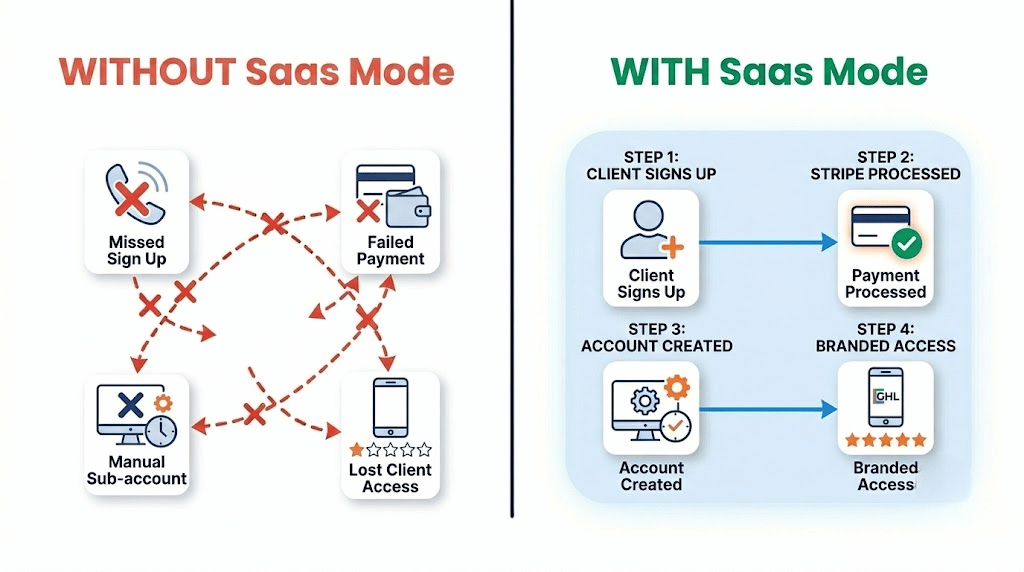
Sub-account provisioning — creating new client accounts automatically when someone subscribes — ran correctly without needing manual intervention. When a new client signs up and pays through Stripe, the system creates their sub-account, applies the configured snapshot, and sends onboarding access. That automation works as described.
The part that takes more time than the technical setup: understanding the business logic. Pricing tiers, which snapshot to use for which client type, how to handle onboarding so clients don’t churn in the first 30 days, and how to configure rebilling for SMS and email usage. None of that is technically hard — it’s just business decisions that require thought, and the platform doesn’t make those decisions for you.
What SaaS Mode includes
White-label branding — Custom domain, logo, colors, email footers, favicon. Clients see your brand throughout.
Automated billing via Stripe — Stripe is currently the only supported payment provider. Clients pay you directly through Stripe; GoHighLevel charges you separately for the Agency Pro plan.
Sub-account automation — New client signs up → Stripe processes payment → sub-account created → snapshot applied → onboarding access sent. The entire flow runs without manual intervention once configured.
Rebilling — Mark up SMS, email, and phone usage costs and pass them through to clients. The new usage dashboard (March 2026) makes per-client cost tracking accurate enough to set usage-based pricing with confidence.
Special pricing — Create custom pricing for individual clients without changing your public plan tiers. Useful for grandfathered clients, pilot programs, or specific deals.
SaaS Snapshot Marketplace — Publish and sell your own pre-configured snapshots to other agencies, or buy industry-specific ones built by others.
The economics
| Your cost | GHL Agency Pro plan | $497/month |
|---|---|---|
| Break-even | 3 clients × $197/month | $591/month revenue |
| At 10 clients | 10 × $197/month | $1,970/month ($1,473 margin) |
| At 30 clients | 30 × $297/month | $8,910/month ($8,413 margin) |
The margin math is genuine — your GHL cost stays fixed while revenue scales with client count. What the math doesn’t capture: churn. Clients who don’t get value from the platform cancel. The agencies that make SaaS Mode work are the ones that solve a specific problem for a specific type of client, build an onboarding process that gets clients to value quickly, and treat support as a retention tool rather than an afterthought.
Where it falls short
Requires the $497/month plan — no exceptions. SaaS Mode is locked to Agency Pro. If you’re on Starter ($97) or Unlimited ($297), you can’t access it regardless of how many clients you have.
Stripe only. No PayPal, no other payment processors. If your clients or your region have friction with Stripe, that’s a real constraint.
The platform is the easy part. Most SaaS Mode failures aren’t technical — they’re positioning, onboarding, and retention failures. An empty sub-account that a client doesn’t know how to use generates churn, not revenue. The snapshot you load into new client accounts and the first-week experience you design matter more than any feature inside SaaS Mode itself.
You’re reselling, not owning. GoHighLevel controls the underlying platform. Pricing changes, feature deprecations, and platform decisions are outside your control. You’re building a business on rented infrastructure — worth understanding clearly before you build a client base on it.
Who should actually use this
SaaS Mode makes sense for agencies that already have a repeatable service model with a specific type of client, understand that software is a retention tool rather than a product that sells itself, and have the operational bandwidth to handle onboarding and support at scale.
It makes less sense as a first business — if you don’t have existing client relationships or a clear niche, SaaS Mode gives you a platform without a market. The agencies that do well with it typically pivot from a service model where they’ve already proven they can get results for a specific client type, then productize that as a software subscription.
The bottom line
GoHighLevel SaaS Mode is a legitimate recurring revenue model for agencies that go into it with clear positioning and a real onboarding process. The technical setup — domain, branding, sub-account automation — is more approachable than the documentation suggests. The business model decisions are where the actual work lives. If you’re looking for a way to stop selling hours and start building predictable monthly revenue around a client type you already understand, SaaS Mode gives you the infrastructure to do that. If you’re looking for passive income with minimal setup, that’s not what this is.
Q1: What is GoHighLevel SaaS Mode?
A1: GoHighLevel SaaS Mode is a feature on the $497/month Agency Pro plan that lets you rebrand the entire GoHighLevel platform under your own name and sell access to it as a monthly subscription. Your clients log into your domain, see your logo, and pay you directly — GoHighLevel runs in the background and is invisible to them.
Q2: How much does GoHighLevel SaaS Mode cost?
A2: SaaS Mode requires the Agency Pro plan at $497/month. You need approximately three clients paying $197/month each to break even on the platform cost. SMS, email, and phone usage bills separately and can be marked up and passed through to clients via rebilling.
Q3: Is GoHighLevel SaaS Mode hard to set up?
A3: The technical setup — domain configuration, white-label branding, and sub-account automation — is more approachable than most documentation suggests. The harder part is the business decisions: pricing tiers, onboarding process, snapshot configuration, and retention strategy. The platform doesn’t make those decisions for you.
Q4: Do you need Stripe for GoHighLevel SaaS Mode?
A4: Yes. Stripe is currently the only supported payment processor for SaaS Mode subscriptions. Clients pay you through Stripe; GoHighLevel charges you separately for the Agency Pro plan.
Written by Alex Carter. GetStackPick is reader-supported — some links on this page are affiliate links. See my affiliate disclosure for details.